
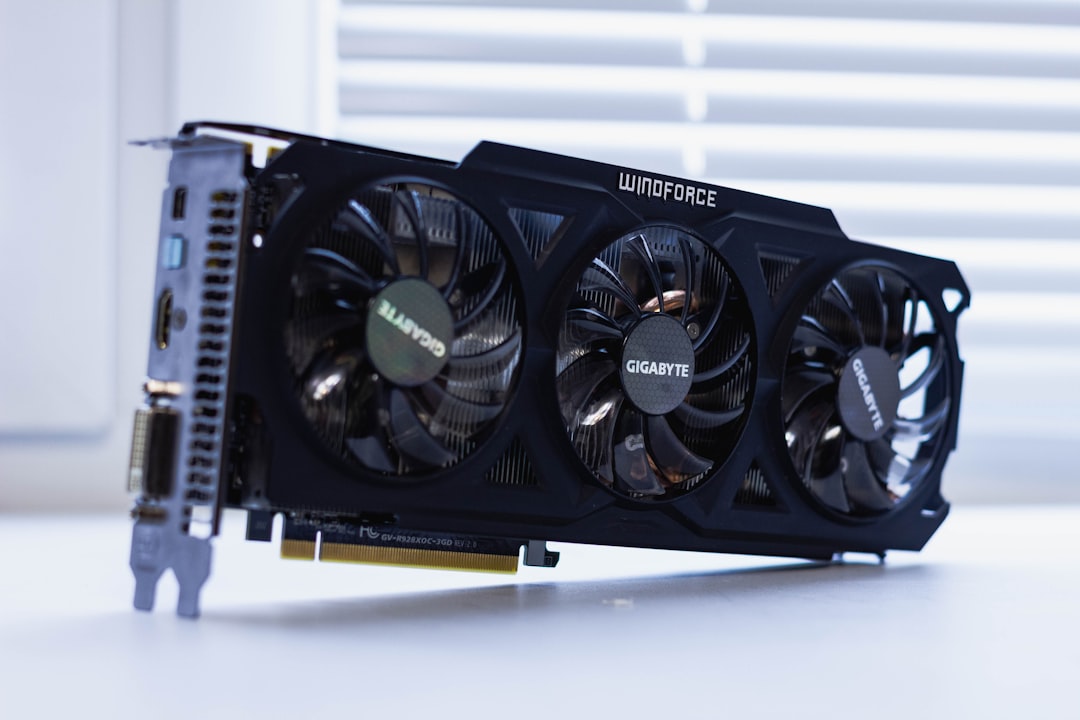
Problem – CRD Validation Rejects AMD GPU Specification in Deployment Manifest
When deploying an AI inference service that requires an AMD GPU, the kubectl apply -f deployment.yaml command fails with a validation error from the AMD GPU admission webhook. Typical error output looks like:
error: admission webhook "validate.amd.com" denied the request:
spec.template.spec.containers[0].resources.limits.amd.com/gpu: Invalid value: "1"
Because the custom resource definition (CRD) schema does not accept the amd.com/gpu resource key as an integer, the pod never reaches the scheduling phase. The result is a Pending pod with a FailedScheduling event such as:
FailedScheduling 2m30s (x3 over 5m) default-scheduler 0/3 nodes are available: 3 Insufficient amd.com/gpu.
This issue blocks the entire AI inference pipeline, preventing the Docker container from acquiring the required GPU resources on a node that already has ROCm drivers installed.
Root Cause – Mismatch Between CRD Schema and Resource Request Format
The AMD GPU Operator installs a CRD named GPU in the amd.com/v1 API group. The CRD’s OpenAPI v3 schema defines the spec.versions.schema.openAPIV3Schema for the resources.limits map. In the default installation the schema omits an explicit type: integer for the amd.com/gpu key and does not set x-kubernetes-int-or-string. Consequently, the API server treats the value as a string and rejects it during admission.
Evidence from the AMD GPU Operator README and the Kubernetes Extend the API guide confirms that hardware resource CRDs must declare the resource field as an integer or enable int-or-string. Community reports (e.g., kubelet#2587 and rocm-k8s#112) show the same validation failure and provide patches that add the missing type definition.
Debug – Investigation Steps
1. Inspect the CRD definition
kubectl get crd gpus.amd.com -o yaml > gpu-crd.yaml
Key fragment of the extracted schema (simplified):
spec:
  versions:
  - name: v1
    schema:
      openAPIV3Schema:
        type: object
        properties:
          spec:
            type: object
            properties:
              resources:
                type: object
                additionalProperties: false
                properties:
                  limits:
                    type: object
                    additionalProperties: false
                    # Missing type for amd.com/gpu
2. Verify the deployment manifest
apiVersion: apps/v1
kind: Deployment
metadata:
  name: ai-inference
spec:
  replicas: 1
  selector:
    matchLabels:
      app: inference
  template:
    metadata:
      labels:
        app: inference
    spec:
      containers:
      - name: inference
        image: myrepo/inference:latest
        resources:
          limits:
            amd.com/gpu: "1"
Note the GPU limit is quoted, making it a string.
3. Reproduce the validation error with kubectl explain
kubectl explain pod.spec.containers.resources.limits.amd.com/gpu
Output shows the field is undefined in the schema, confirming the mismatch.
4. Check admission webhook logs
kubectl logs -n amd-gpu-operator -l app=gpu-validation-webhook
Sample log entry:
2024-08-24T12:34:56Z WARN admission webhook validate.amd.com rejected request: spec.template.spec.containers[0].resources.limits.amd.com/gpu: Invalid value: "1"
Solution – Align CRD Schema with Integer Resource Requests
1. Patch the CRD to declare the GPU limit as an integer
Create a patch file gpu-crd-patch.yaml:
apiVersion: apiextensions.k8s.io/v1
kind: CustomResourceDefinition
metadata:
  name: gpus.amd.com
spec:
  versions:
  - name: v1
    schema:
      openAPIV3Schema:
        type: object
        properties:
          spec:
            type: object
            properties:
              resources:
                type: object
                properties:
                  limits:
                    type: object
                    additionalProperties: false
                    properties:
                      "amd.com/gpu":
                        type: integer
                        x-kubernetes-int-or-string: true
Apply the patch:
kubectl patch crd gpus.amd.com --type=merge -p "$(cat gpu-crd-patch.yaml)"
After the patch, the CRD schema includes the integer type, allowing the API server to accept numeric values.
2. Update the deployment manifest to use an unquoted integer
apiVersion: apps/v1
kind: Deployment
metadata:
  name: ai-inference
spec:
  replicas: 1
  selector:
    matchLabels:
      app: inference
  template:
    metadata:
      labels:
        app: inference
    spec:
      containers:
      - name: inference
        image: myrepo/inference:latest
        resources:
          limits:
            amd.com/gpu: 1   # <-- integer, no quotes
3. Re‑apply the deployment
kubectl apply -f deployment.yaml
The pod should transition from Pending to Running and the device plugin will attach the AMD GPU.
Verify – Confirm the Fix Works
1. Pod status
kubectl get pod -l app=inference -o wide
Expected output:
NAME                READY   STATUS    RESTARTS   AGE   IP            NODE            NOMINATED NODE   READINESS GATES
ai-inference-xxxx   1/1     Running   0          30s   10.244.1.12   amd-gpu-node1   <none>          <none>
2. GPU allocation details
kubectl describe pod ai-inference-xxxx | grep -i gpu
Should show:
Allocated GPUs: 1
Resource Requests: amd.com/gpu=1
3. Device plugin logs
kubectl logs -n amd-gpu-operator -l app=amd-gpu-device-plugin
Look for lines similar to:
2024-08-24T12:38:10Z INFO Successfully allocated 1 AMD GPU(s) to pod ai-inference-xxxx
4. Application sanity check
Run a simple inference request against the service and verify GPU utilization with rocm-smi:
rocm-smi -i | grep GPU
GPU utilization should be non‑zero while the inference request is processed.
Prevent – Best Practices to Avoid Future Validation Failures
- Define integer types explicitly in any hardware‑resource CRD. Use
x-kubernetes-int-or-string: trueif you need to accept both formats. - Never quote numeric resource values in manifests; YAML treats quoted numbers as strings.
- Version‑pin the AMD GPU Operator and monitor its release notes for schema changes.
- Validate manifests with
kubectl apply --dry-run=clientbefore committing to CI pipelines. - Automate CRD schema linting using tools like
kubevalorconftestto catch mismatches early. - Enable admission webhook logging in the
amd-gpu-operatornamespace to surface future schema rejections quickly.
FAQ – Common Follow‑Up Questions
- Why does the error disappear when I remove the GPU limit altogether?
Because without theamd.com/gpufield the manifest passes validation, but the pod will be scheduled on a node without GPU resources, leading to runtime failures. - Can I request fractional GPUs (e.g., 0.5) with AMD ROCm?
No. The AMD GPU device plugin only supports whole‑GPU allocation. The CRD schema should enforceminimum: 1andmultipleOf: 1to prevent fractional values. - What if I need to request multiple GPU types (e.g., AMD and NVIDIA) in the same pod?
Define separate resource keys (amd.com/gpuandnvidia.com/gpu) each with its own integer schema. Ensure both device plugins are installed and the pod’sresources.limitsmap includes both entries. - Is there a way to make the CRD accept both quoted strings and integers without patching?
Yes, by addingx-kubernetes-int-or-string: trueto the field definition, the API server will coerce strings that contain a valid integer. - How do I upgrade the AMD GPU Operator without losing the patched schema?
Export the current CRD, apply the patch after each operator upgrade, or contribute the corrected schema upstream so future releases include the fix.
Related Topic Hub: GPU Infrastructure Troubleshooting Hub